Configuring the oracle jdbc driver classpath in Websphere
OS - Win7
Websphere server 7.0.0.7
1. Run the admin console
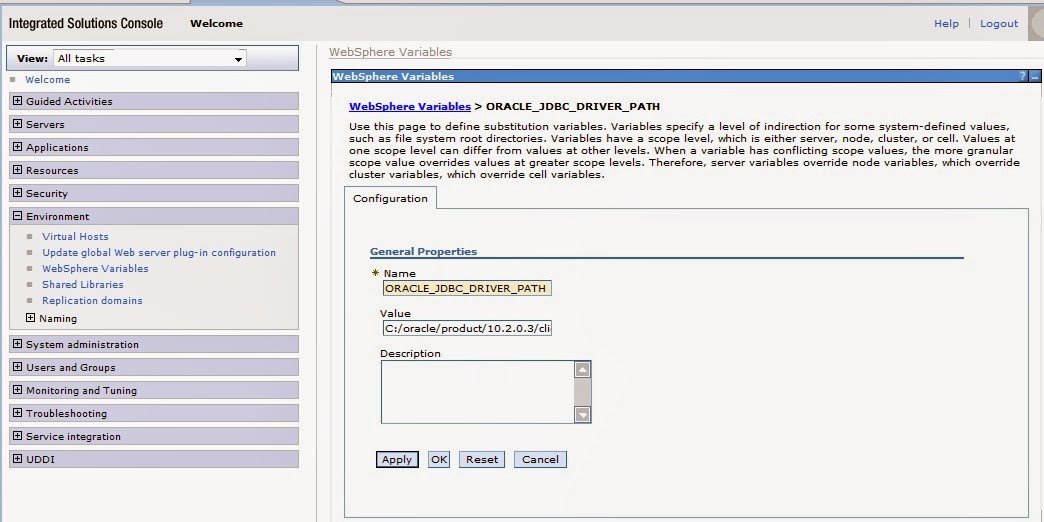
2. Under Environment click on Websphere variables

3. Select the correct scope and click on "New" button to add a WebSphere variable

4. Type in the property name as ORACLE_JDBC_DRIVER_PATH and type in the path where ojdbc.jar is located.


1 comment:
Thanks for u r page. it helped me to solve issue.
Post a Comment